How To Manage Your Event/Edit Event Details
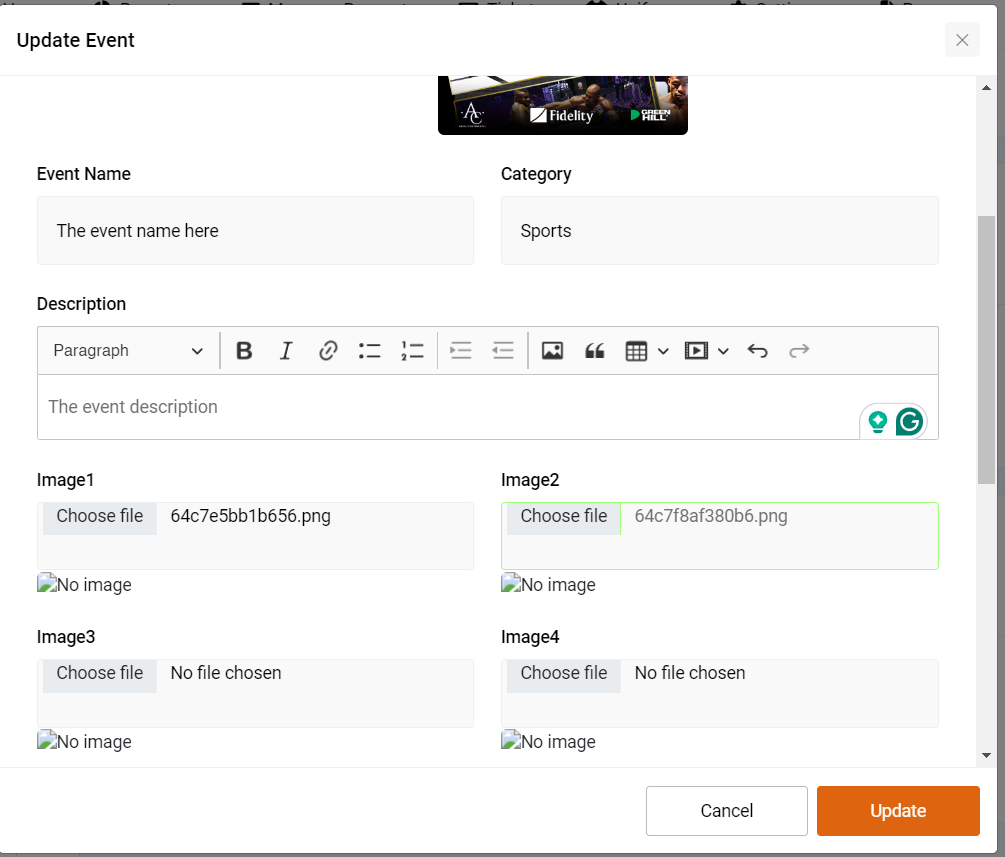
If you've posted your event but need to add or update information, you can easily do so by following these steps:
Go to Your Organizer Dashboard:
- Log in to your account and navigate to your organizer dashboard where you manage all your events.
Click on "My Events":
- Find and click on the "My Events" tab to view a list of all your posted events.
Select the Event:
- Locate the specific event you want to manage.
- Click on the "Settings" button located at the top of the event artwork. This will open a dropdown menu with various event management options.
Manage Event Details:
- From the dropdown menu, select "Manage".
- You will be directed to the event editing page where you can update or add new information as needed.
- Make sure to save your changes once you've finished editing.
By following these steps, you can ensure your event details are always up-to-date.
Was this article helpful?