Ticket Seat Map
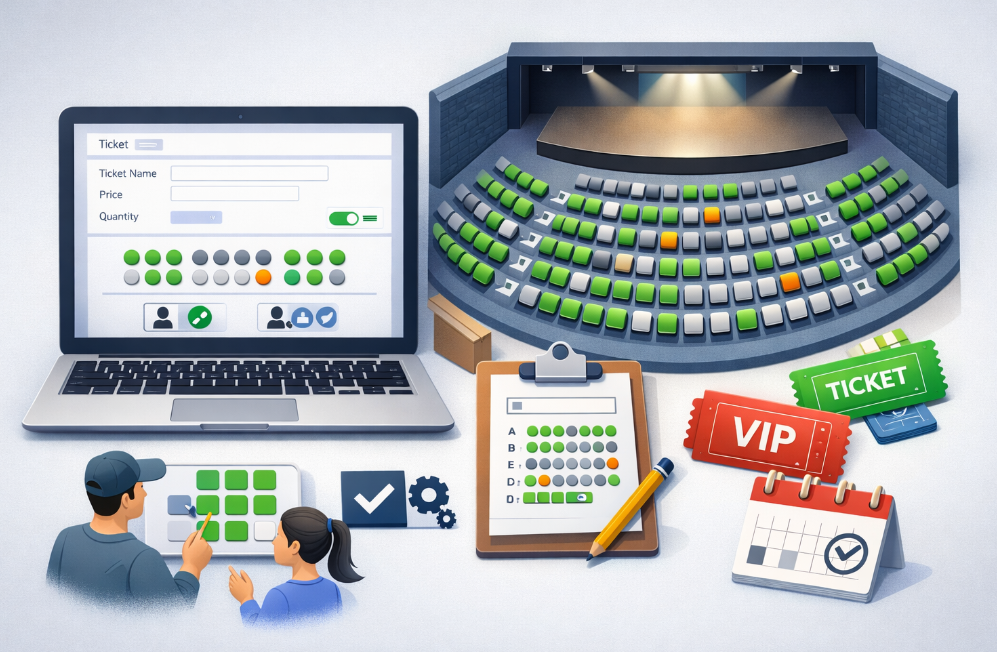
Seat Map allows you to create tickets that are tied to specific seats (for example, A1, A2, B1), instead of just selling a number of tickets.
It’s optional and should only be used if your event has a structured seating arrangement. If your event is standing, free seating, or doesn’t follow rows and seat numbers, you can leave this turned off and use regular tickets.
Enabling the Seat Map when creating a ticket
When creating your event, go to Step 2: Ticket Creation.
As you set up a ticket, you’ll see the option to Enable Seat Map. Turning this on switches the ticket from quantity-based to seat-based.
After enabling it, you’ll need to:
- Choose how seats are assigned
- Set up your seating layout
You can choose between:
- Attendee selects seats – buyers pick their seats during checkout
- Auto-assign seats – seats are assigned automatically after checkout
Then define your layout by setting the number of rows, seats per row, and how seats are labelled. You can also block specific seats if needed.
Adding a seat map to an existing event
Seat Map can also be used when adding new tickets to an event that already exists.
From your organiser dashboard:
- Click your event menu
- Go to Manage Tickets
- Click Add New Ticket
When creating the new ticket, enable Seat Map and configure it the same way, choose the assignment type and define the layout.
Managing seat-based tickets
Once a ticket has Seat Map enabled, it can be managed from the ticket management area.
You can view the seating layout, block or unblock seats, and make updates without affecting seats that have already been booked or are currently held.
Notes
- Seat Map is configured per ticket, not per event
- Each ticket type can have its own layout
- When seat selection is enabled, attendees must select the exact number of seats before checkout
- Seats that are already booked or temporarily held are protected and won’t be reassigned automatically
Was this article helpful?